
Data Analytics
DataAnalyticsProgram
Excel. SQL. Power BI. Master it all.
A complete data analytics program covering Excel, SQL and Power BI — from spreadsheet basics to DAX, window functions and interactive dashboards — built to make you a job-ready data analyst.
3 Core Tools
100+ Topics
Real-World Datasets
Placement Support
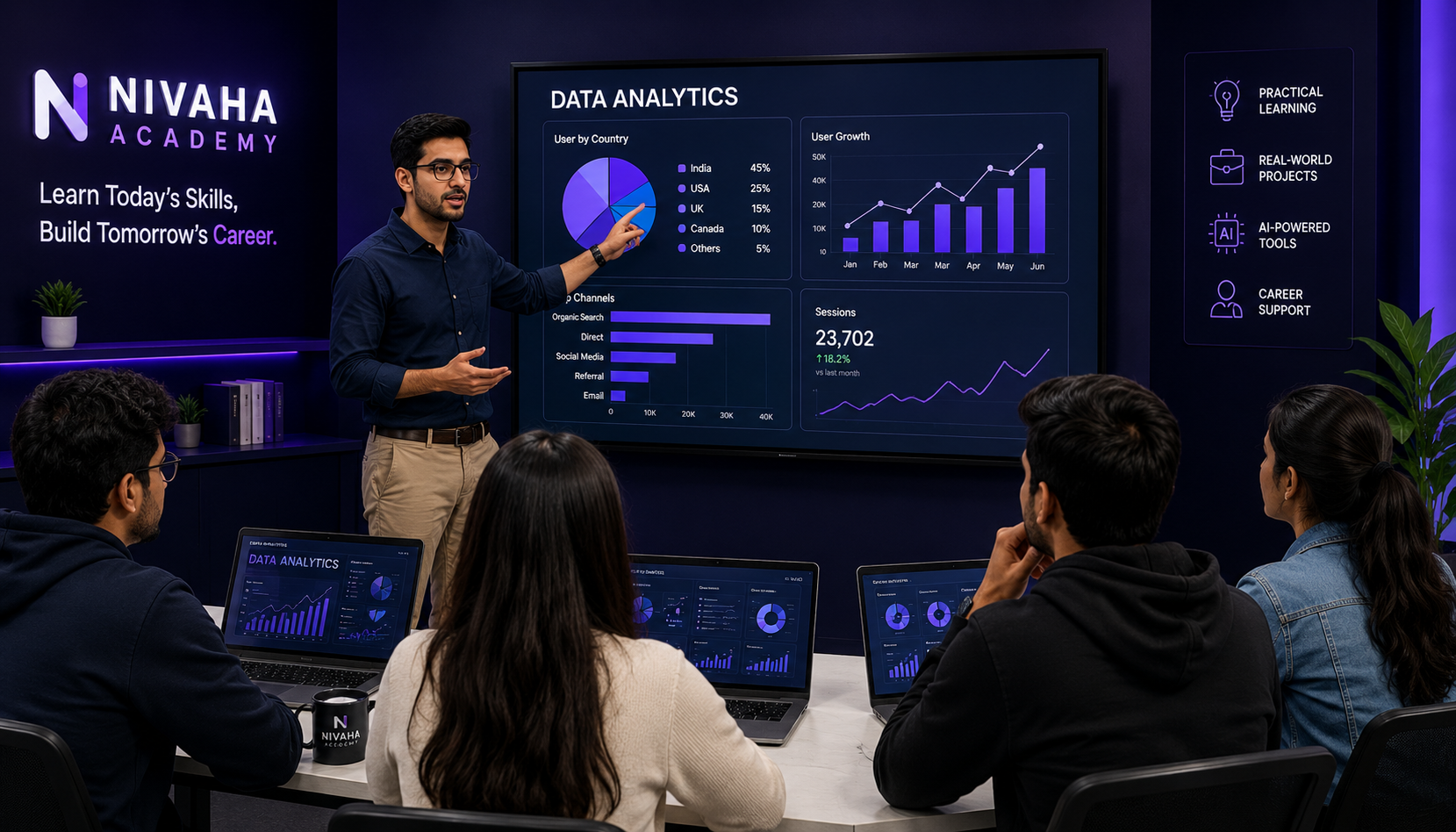
ANALYZE DATA
DRIVE DECISIONS
DRIVE DECISIONS
Duration
4 – 5 Months
Classes
3 Days / Week
Mode
Offline / Online / Hybrid
Certification
Industry Recognized
Level
Beginner to Advanced
What You Will Learn
A complete journey across the 3 tools every data analyst uses daily
- Master Excel — from formulas to Power Query, Pivot Tables & DAX
- Write real-world SQL queries — from SELECT to window functions
- Build interactive Power BI reports & dashboards
- Clean, transform & model raw data with Power Query
- Analyze business data through KPIs, trends & cohort analysis
- Create dynamic dashboards with slicers, filters & drill-through
- Apply DAX in both Excel & Power BI for advanced calculations
- Build a data analyst portfolio with real business case studies
Tools You'll Master
Hands-on with the actual tools used by data analysts every day
XLExcel
- Formulas & Functions
- Pivot Tables
- Power Query
- Power Pivot & DAX
- Charts & Dashboards
- What-If Analysis
SQLSQL
- Joins & Aggregations
- Window Functions
- Data Cleaning
- Exploratory Data Analysis
- KPI Queries
PBIPower BI
- Power Query
- Data Modeling
- DAX
- Visualizations
- Interactive Reports
- Dashboard Design
Course Syllabus
27 structured modules across 3 tools — click a tab, then click any module to see what's covered
3 Tools • 27 Modules • 100+ Topics • Beginner to Advanced
01Excel Basics6 Topics
- Workbook & Worksheet
- Excel Interface
- Data Entry
- Formatting
- Number Formatting
- Basic Operations
02Formulas & Functions10 Topics
- Cell References
- Arithmetic Operators
- Basic Functions (SUM, AVERAGE, COUNT)
- Logical Functions (IF, IFS, AND/OR)
- Text Functions
- Date Functions
- Lookup Functions (VLOOKUP, XLOOKUP, INDEX-MATCH)
- Dynamic Arrays (FILTER, SORT, UNIQUE)
- Math Functions
- Error Handling
03Data Handling6 Topics
- Excel Tables
- Sorting & Filtering
- Data Validation
- Conditional Formatting
- Text to Columns
- Flash Fill
04Data Analysis4 Topics
- Pivot Tables
- Pivot Charts
- Slicers & Timeline
- Advanced Pivot (Data Model, Relationships)
05Power Query7 Topics
- Power Query Basics
- Data Cleaning
- Transformations
- Advanced Transforms (Unpivot, Group By)
- Combine Data (Append & Merge)
- Import Sources
- Automation & Refresh
06Power Pivot & DAX5 Topics
- Data Modeling
- DAX Basics
- DAX Logic (IF, SWITCH, CALCULATE)
- Time Intelligence (YTD, MTD, YOY)
- KPI Calculations
07Charts & Dashboards4 Topics
- Excel Charts
- Advanced Charts (Waterfall, Funnel)
- Dashboard Design
- Interactive Dashboard
08What-If Analysis3 Topics
- Goal Seek
- Scenario Manager
- Data Tables (Sensitivity Analysis)
09Advanced Excel2 Topics
- Named Ranges
- INDIRECT Function
01Introduction to Databases2 Topics
- Core Concepts (RDBMS, Tables, Rows, Columns)
- Keys & Relationships (Primary Key, Foreign Key, ER Diagrams)
02SQL Basics3 Topics
- Syntax & Data Types
- DDL Commands (CREATE, ALTER, DROP)
- CRUD Operations (INSERT, UPDATE, DELETE, SELECT)
03Filtering, Sorting & Limiting2 Topics
- Filtering Data (WHERE, LIKE, BETWEEN, IN)
- Sorting & Limiting (ORDER BY, LIMIT/TOP)
04Aggregates & Grouping2 Topics
- Aggregate Functions (COUNT, SUM, AVG, MIN, MAX)
- Grouping Data (GROUP BY, HAVING)
05Joins & Set Operators2 Topics
- Working with Multiple Tables (INNER, LEFT, RIGHT, FULL, SELF, CROSS JOIN)
- Set Operators (UNION, INTERSECT, EXCEPT)
06Built-in Functions & Conditional Logic4 Topics
- String Functions
- Date & Time Functions
- Numeric Functions
- Conditional Logic (CASE WHEN, COALESCE)
07Window Functions ⚡4 Topics
- Window Clause (OVER, PARTITION BY)
- Ranking Functions (ROW_NUMBER, RANK, DENSE_RANK)
- Navigation Functions (LEAD, LAG)
- Analytical Patterns (Running Totals, Moving Average)
08Data Cleaning in SQL3 Topics
- Deduplication & Handling Nulls
- Standardization & Formatting
- Splitting & Combining Columns
09Exploratory Data Analysis (EDA)3 Topics
- Customer & Sales Analysis
- Trend & Cohort Analysis
- Churn & Funnel Analysis
10KPI Calculations3 Topics
- Revenue & Profitability
- Growth & Retention (YOY Growth, Retention Rate)
- Customer Lifetime Value & Conversion Rate
01Power BI Basics2 Topics
- Introduction to Power BI (Desktop, Service, Mobile)
- Installation & Interface
02Data Importing2 Topics
- Data Sources (Excel, SQL, Web, SharePoint)
- Data Loading (Import, DirectQuery, Live Connection)
03Power Query in Power BI6 Topics
- Power Query Basics
- Data Cleaning
- Data Transformation
- Advanced Transforms (Pivot, Group By)
- Combine Data (Append & Merge)
- Parameters & Automation
04Data Modeling3 Topics
- Data Modeling Basics (Relationships, Cardinality)
- Schema Design (Star & Snowflake Schema)
- Relationship Management
05DAX ★7 Topics
- DAX Basics (Calculated Columns vs Measures)
- Basic DAX Functions
- Logical DAX (IF, SWITCH)
- Filter Functions (CALCULATE, FILTER, ALL)
- Time Intelligence (TOTALYTD, SAMEPERIODLASTYEAR)
- Advanced DAX (Variables, SUMX, RANKX)
- KPI Calculations
06Visualizations4 Topics
- Basic Charts (Column, Bar, Line, Pie)
- Advanced Visuals (Waterfall, Funnel, Gauge)
- Maps
- Tables & Matrix
07Interactive Reporting4 Topics
- Filters
- Slicers
- Drill Down & Drill Through
- Tooltips & Bookmarks
08Dashboard Design3 Topics
- Design Principles
- Interactive Dashboards
- Mobile Layout Optimization
Why Choose Nivaha Academy?
- Industry expert trainers with real analytics experience
- 100% practical training on real business datasets
- Covers all 3 in-demand tools — Excel, SQL & Power BI
- Placement assistance & career guidance
- Flexible batches (Morning / Afternoon / Evening)
- Lifetime access to learning resources
Career Opportunities
- Data Analyst
- Business Analyst
- Reporting Analyst
- Power BI Developer / BI Analyst
- MIS Executive
- Data Visualization Specialist
- Freelancer / Data Consultant
What Makes You Job-Ready?
- Real business datasets & case studies
- ATS-friendly resume & portfolio building
- Mock interviews & interview preparation
- Hands-on dashboard & report building projects
- Personal mentorship & guidance
Placement SupportWe help you get hired!